Film it. Mark it. Reel it.

Your highlight reel, before you leave the court.

Film the game. Tap MARK on the great points. DinkReel hears every rally, trims the clips, and stitches the reel — on your iPhone. No upload, no account, no waiting.

Free to start · Pro is a one-time purchase · Everything stays on your phone

Coming soon — currently in TestFlight

DinkReel capture screen while recording, showing a live REC badge, a marks counter, and a large lime MARK button

How it works

It cuts itself while you play.

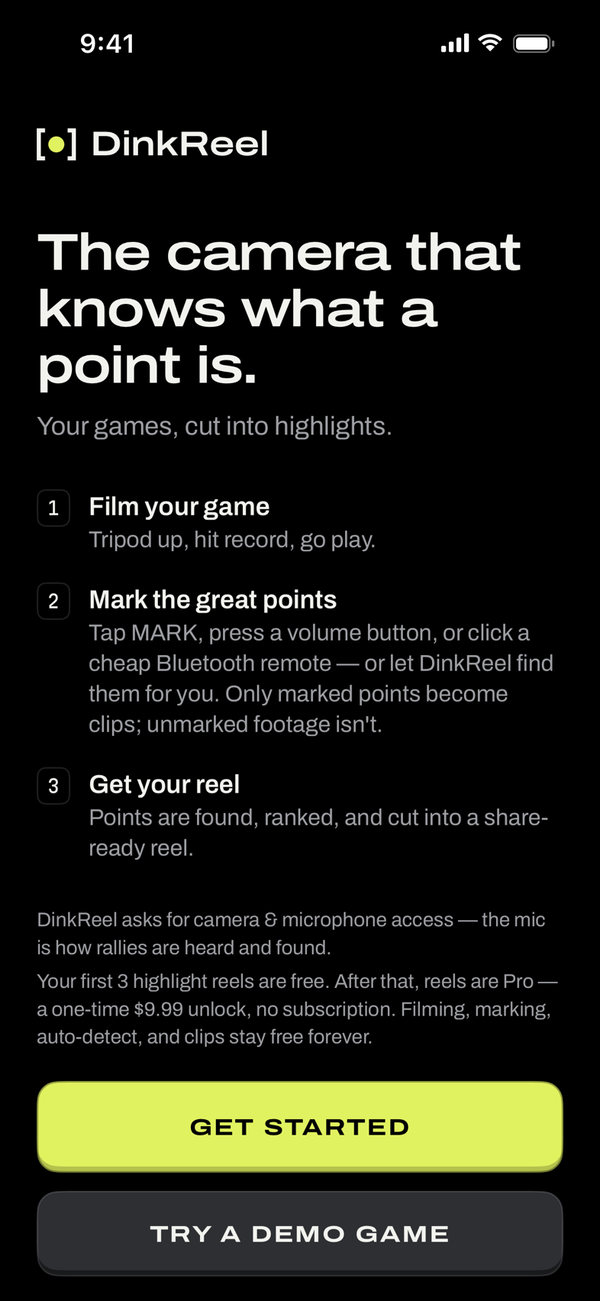
  1. DinkReel onboarding screen listing three steps: film your game, mark the great points, get your reel
    1

    Film

    Tripod up, hit record, go play.

  2. DinkReel capture screen with a large lime MARK button used to flag a great point
    2

    Mark

    Tap MARK on the great points — or click a Bluetooth remote. Miss one? DinkReel hears the rallies and finds them for you.

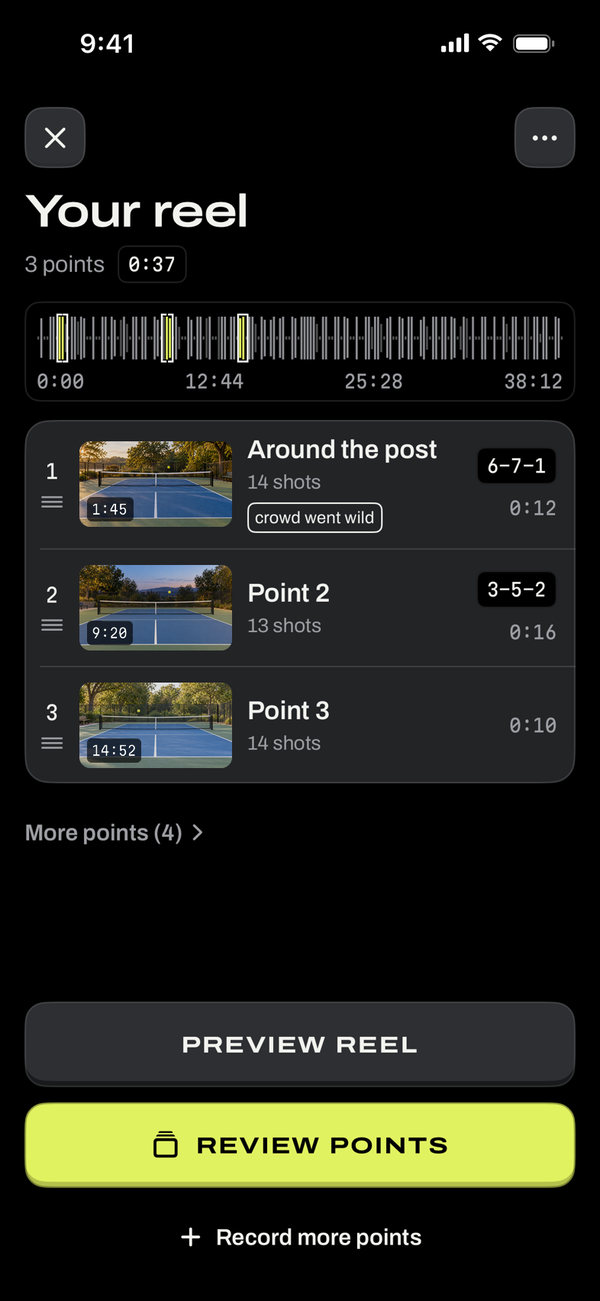
  3. DinkReel reel screen showing the finished highlight reel with clip tiles and an Export and share button
    3

    Reel

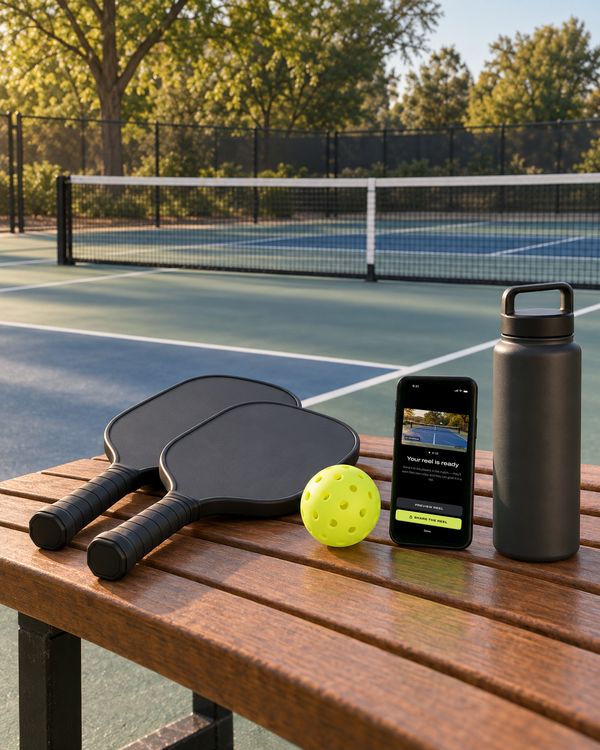
    Stop recording and every point is trimmed, ranked, and cut into a share-ready reel.

On-device AI

Everything the reel needs.

Auto rally detection

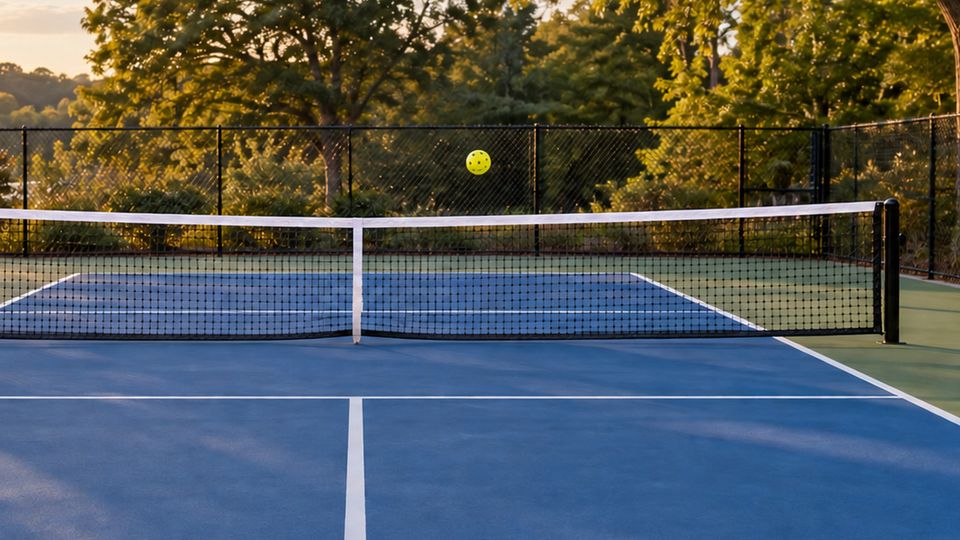
It hears the ball. Every rally found from the sound of play — no scrubbing.

One-tap reel

Full reel or a ~60-second Social cut, crossfades and all.

The Cut Room

Every point trimmed and ranked the moment you stop. Drag handles to fine-tune.

Bluetooth remote

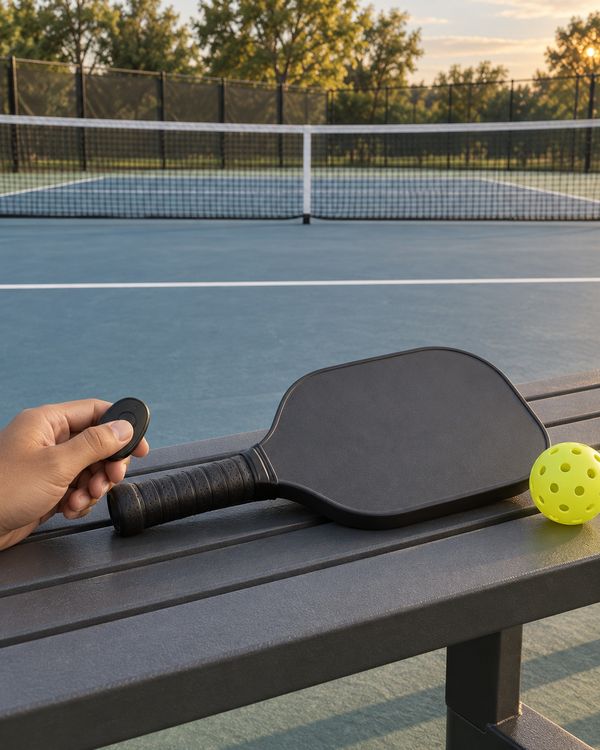
Any cheap Bluetooth camera-shutter clicker (about $10) marks from across the court — or just use your volume button.

Mark by shouting beta

Yell “mark!” after a great point. DinkReel hears it in the recording and flags the clip — no tap, no clicker.

It hears the score beta

You call the score before every serve — DinkReel reads it and stamps each clip. 6–7–1, right on the video.

Straight to Photos

Clips land in your camera roll, ready for the group chat, TikTok, Instagram.

100% on-device

No account. No upload. Your footage never leaves your phone.

Why on-device

The reel's ready before you unclip the tripod.

Uploading a 3 GB game over court LTE — then waiting on a server to process it — kills the moment. By the time the reel is ready, everyone's packed up and driven home. DinkReel's AI runs right on your iPhone: it hears the rallies, trims each point, and stitches the reel in seconds. No account to create, no progress bar to watch, nothing leaving your phone — and because there are no servers to run, the free tier is genuinely useful.

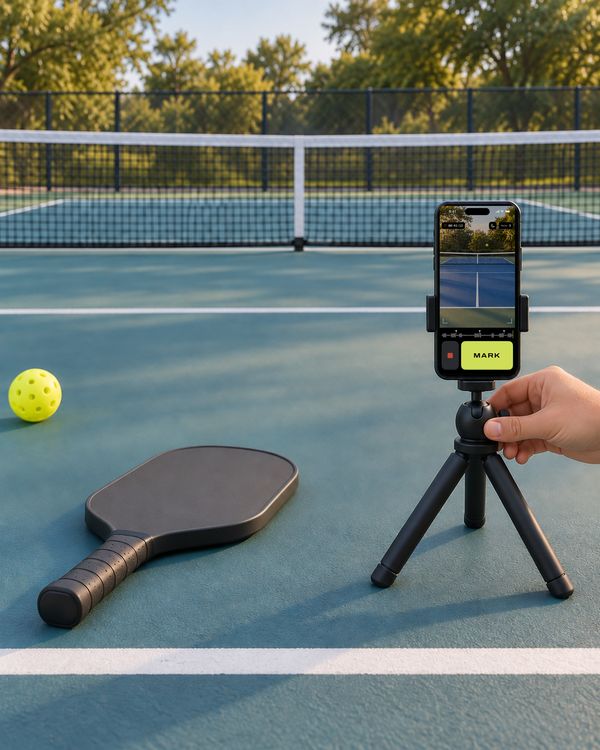
A phone on a small tripod at the edge of a pickleball court at dusk, recording a doubles game

Pricing

Start free. Go Pro once.

Free

$0 free forever

  • Record & mark — tap, volume button, or a Bluetooth remote
  • Automatic rally detection — every point found & trimmed
  • Callouts on every point — “12-shot rally · crowd went wild”
  • Share clips (with a small watermark)
  • Your first 3 highlight reels — free
  • Try a demo game
Unlimited reels

Pro

$9.99 one-time · US price

  • Unlimited highlight reels
  • Watermark optional
  • High-quality export
  • Mark by voice — shout “mark!” (beta)
  • Score calls stamped on clips (beta)
  • Everything in Free, too

Your first 3 highlight reels are free. Buy Pro once for unlimited reels — no subscription required. Purchases and refunds are handled by Apple.

No court nearby?

Tap Try a demo game on first launch and watch DinkReel find the rallies and build a reel from a real sample match.

DinkReel home screen with the tagline Film it. Mark it. Reel it. and two saved game cards showing highlight scores

FAQ

Questions, answered.

Does it need internet?

No. Nothing runs in the cloud — recording, rally detection, trimming, and reel-building all happen on your iPhone. The only thing that touches the internet is the one-time App Store purchase.

Which phones does it work on?

iPhone, running iOS 17 or later. DinkReel is iPhone-only.

Do I need a remote to mark points?

No. Auto rally detection finds every point even if you never mark — marking just tells DinkReel which points you loved. If you want to mark from across the court, DinkReel works with any cheap Bluetooth camera-shutter remote (about $10 online) or your phone's volume buttons — free. Voice marking — shout “mark!” — is a Pro beta.

Does it record sound?

Yes — audio is captured with the video. The microphone is how DinkReel hears the rallies and finds each point.

Where do my videos go?

Your recordings stay inside the app on your phone. Exported clips and reels save to your Photos, ready to share.

Is Pro a subscription?

No. Pro is a one-time purchase. Your first 3 highlight reels are free; after that, buy Pro once for unlimited reels and keep it forever.

How do I get a refund or support?

Purchases go through Apple, so refunds do too — request one at reportaproblem.apple.com. Any other questions? The Support page has answers and my email.

Film it. Mark it. Reel it.

Your next reel is one tap away.

Download on theApp Store

Free to start · Pro is a one-time purchase · Everything stays on your phone